
Understand the supplied BossPay Home, Payment and My screenshots, displayed ratios and account entries.
Updated · Published by BossPay App Guide
Read the BossPay Home screen
The supplied Home screen shows USDT, Task, Team and Order shortcuts; a USDT ratio panel; the 4.00% INR bonus ratio; a Daily Market Purchase Bonus banner; a Connect tool area; a Beginner’s Purchase Tutorial; and a Statistics section.
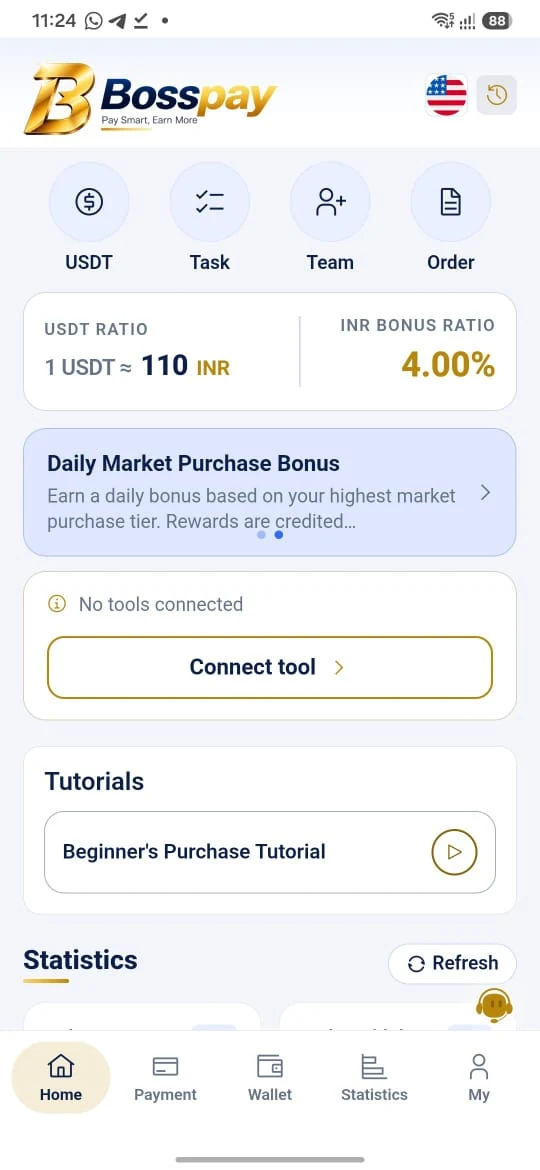
The bonus banner’s full conditions are not visible in the screenshot. Read the platform’s current terms for eligibility, timing and available account actions.
Payment screen and displayed order rows
The Payment screenshot contains Active, Pending and USDT tabs, plus amount filters. Its BANK rows show an amount, a green displayed figure, a 4.00% label and a Buy button.
| Screenshot amount | 4% arithmetic | Displayed figure |
|---|---|---|
| ₹482.00 | 482 × 0.04 | ₹19.28 |
| ₹485.00 | 485 × 0.04 | ₹19.40 |
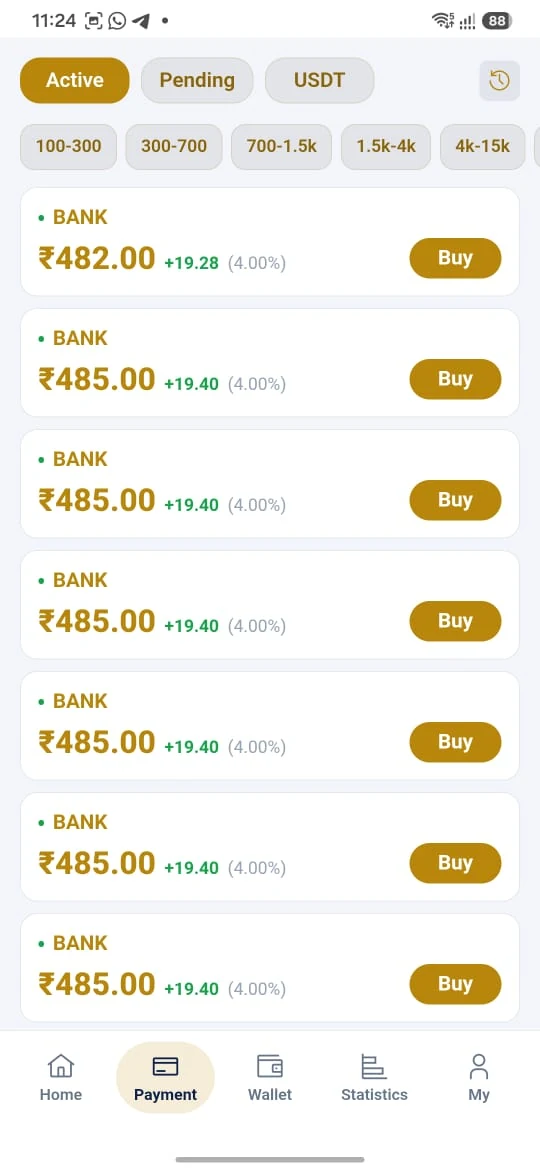
These are supplied screenshot examples, not currently available offers. Read the actual recipient, amount, payment method and completion conditions on a live order. Confirm receipts in your own account.
My account, history and PIN tools
The My screenshot shows Total Assets of ₹0.00 and In transaction of 0.00 at the time captured. It also contains View History, Manage UPI, Customer service, PIN, Language and Quota history entries.
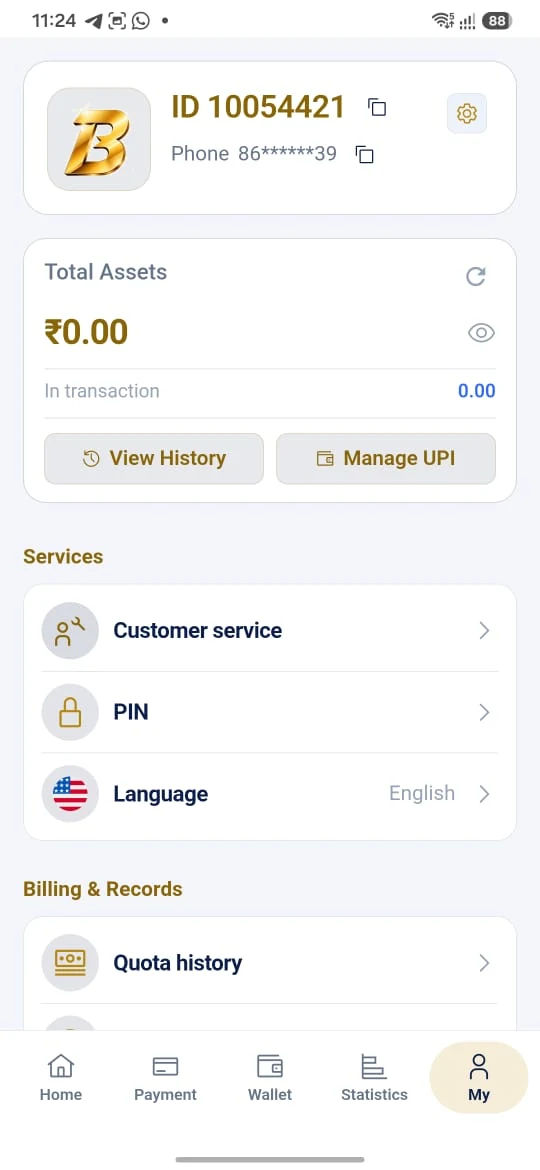
Wallet and Statistics are visible bottom-navigation entries. Open the current account screens to read their available tools and limits. Screenshot balances are not proof of payment outcomes.
For account changes or access issues, use the established support and security options on the linked app. This guide cannot change a balance, reset credentials or release funds.
USDT to INR: understand the example
The Home screenshot displays 1 USDT ≈ 110 INR. The website calculator starts with that example and the separate calculator page lets you enter your own quote.
100 USDT × ₹110 = ₹11,000. For a decimal example, 12.5 × ₹110 = ₹1,375. These figures exclude fees, bonuses and any changing live quote.
Use a custom rate in the calculator. No amount is sent to the app.